
What a Jefferson County Court Docket Is
A docket is the running list of events in a court case. Each line marks one filing or one action. In Jefferson County District Court, the docket starts at the first filing and grows until a judge signs the final order. It is the spine of the case. Read from top to bottom, it shows how a matter moved through the court, who acted, and when.
Every Jefferson County case carries its own docket. A felony, a divorce, a small claim, and a traffic ticket each build a separate record. The docket names the parties, the judge, and the case type. It lists motions, hearings, pleas, and orders by date. Think of it as a table of contents for the whole case file. Most dockets sit in the state court system, so you can pull one up by case number or party name.
A docket is not the paper itself. It is the log of what got filed and when.
- Docket
- The dated list of all events in one case.
- Entry
- A single line on the docket for one filing or event.
- Minute
- A short clerk note recording what the court did that day.
- Disposition
- The final result of a charge or the whole case.
How to Find a Jefferson County Docket Online
Two free state portals carry Jefferson County District Court dockets. The first is the Oklahoma State Courts Network. Its OSCN docket search lists Jefferson County District Court in the court dropdown and takes a case number such as CF-2014-1. The second is On Demand Court Records, where Jefferson appears in the court list and name searching works well. ODCR says public search and docket viewing are free for the courts that take part.
Start with the tool that fits what you know. A case number points you to OSCN. A person's name points you to ODCR. The steps below work for either path.
- Open the OSCN docket search and pick Jefferson County District Court from the court dropdown. Enter the case number if you have one, then search.
- With no case number, switch to ODCR. Type the party name in Last, First order and choose Jefferson as the court.
- Narrow by case type when you can. Prefixes tell you the type: CF felony, CM misdemeanor, TR traffic, CV civil, FD family or divorce, PB probate, PO protective order, SC small claims.
- Open the case and read the docket. Check the filing date, the parties, the judge, the events, the hearing settings, and any financial lines.
- If the search fails, call or visit the Court Clerk. Small counties may hold older, sealed, or non-digitized files that need staff to pull.
The state portals can pose an extra step. The live result that confirmed a real Jefferson County case is the OSCN case page for TR-2024-00136, a traffic matter styled State of Oklahoma versus the defendant.
That page shows the case type as Traffic and the filed date as 07/25/2024. OSCN may show an anti-automation turnstile before it loads full docket detail, so a clean search can still ask you to pass a quick check. A traffic docket like this one is covered in more depth on the Jefferson County traffic court records page.
OSCN District Court Docket Reports
OSCN does more than single-case lookups. It builds District Court reports that pull dockets across a whole day or a whole court. These reports help when you do not know a case number but you do know a judge, an event, or a date. They are useful to attorneys, reporters, and anyone tracking a Jefferson County calendar.
The report set lets you slice the court's activity in several ways. One report even groups a daily docket by event, judge, and case type at the same time.
- Civil cases with trial dispositions
- Daily docket by judge
- Daily docket by judge and case type
- Daily docket by case type
- Daily docket by event
- Daily docket by event and judge
- Daily filings by county
The daily filings by county report is a quick way to see what just opened in Jefferson County. Use it to spot new cases before they show up in a name search.
Note: OSCN report pages reflect what each court uploads, so a small county docket may post on a different schedule than a metro court.
Sample Jefferson County Docket Inventory
A public docket holds a steady set of fields. The table below maps those fields to a confirmed Jefferson County traffic case so you can see what each line returns. Some fields appear only when the court posts them, and sealed or unscanned items may not show at all.
| Docket Field | What It Shows |
|---|---|
| Case number and type | TR-2024-00136, a Traffic case in Jefferson County District Court. |
| Court and county | District Court in and for Jefferson County, Oklahoma. |
| Filing date | The date the case opened, here 07/25/2024. |
| Judge | The assigned judicial officer, listed where posted. |
| Parties and attorneys | Style such as State of Oklahoma vs. the defendant, with counsel named where present. |
| Docket and event entries | Information filed, warrant issued, arraignment, plea, continuance, order, judgment and sentence, minute, payment plan, and dismissal. |
| Hearing date, time, and courtroom | The next setting and location, shown when the court schedules one. |
| Financial entries | Fines, court costs, fees, restitution, and payment-plan references. |
Redactions guard sensitive data. Social Security numbers, account numbers, minor names, protected addresses, and sealed juvenile detail are kept off the public view.
Reading Jefferson County Docket Entries
Docket entries read in plain order, but the labels take practice. An information filed entry marks the formal charge in a criminal case. An arraignment is the first appearance where a plea is entered. A plea line shows guilty, not guilty, or no contest. A continuance pushes a hearing to a later date. A minute is the clerk's short note of what happened in court that day.
The disposition lines tell you how a charge ended. A conviction is a finding or plea of guilt. A deferred sentence delays judgment under conditions and may end in a dismissal. A suspended sentence is imposed but served out of custody when terms are met. A dismissal closes a charge without a conviction. A judgment and sentence entry sets the final outcome and any penalty.
Read entries against the case type. A felony or misdemeanor docket connects to the full Jefferson County criminal court records, where the charge, plea, and sentence sit together. The docket is the map. The case file is the territory.
Financial Docket Entries and Payments
Many dockets carry money lines. These can list fines, court costs, fees, restitution, and a payment-plan reference. A docket can show what is owed, but it is not the place to pay. The payment system is separate from the case page, and treating them as one is a common mistake.
Oklahoma routes court payments through its own portal. The OSCN e-payments search asks for a county plus a case number, citation number, or payment-plan number. Jefferson is in the county dropdown. Sample formats include a case number like CM-2017-100, a payment plan like PP-OK-2019-25, and a traffic citation like M972124.
You can preview the lookup before you start.
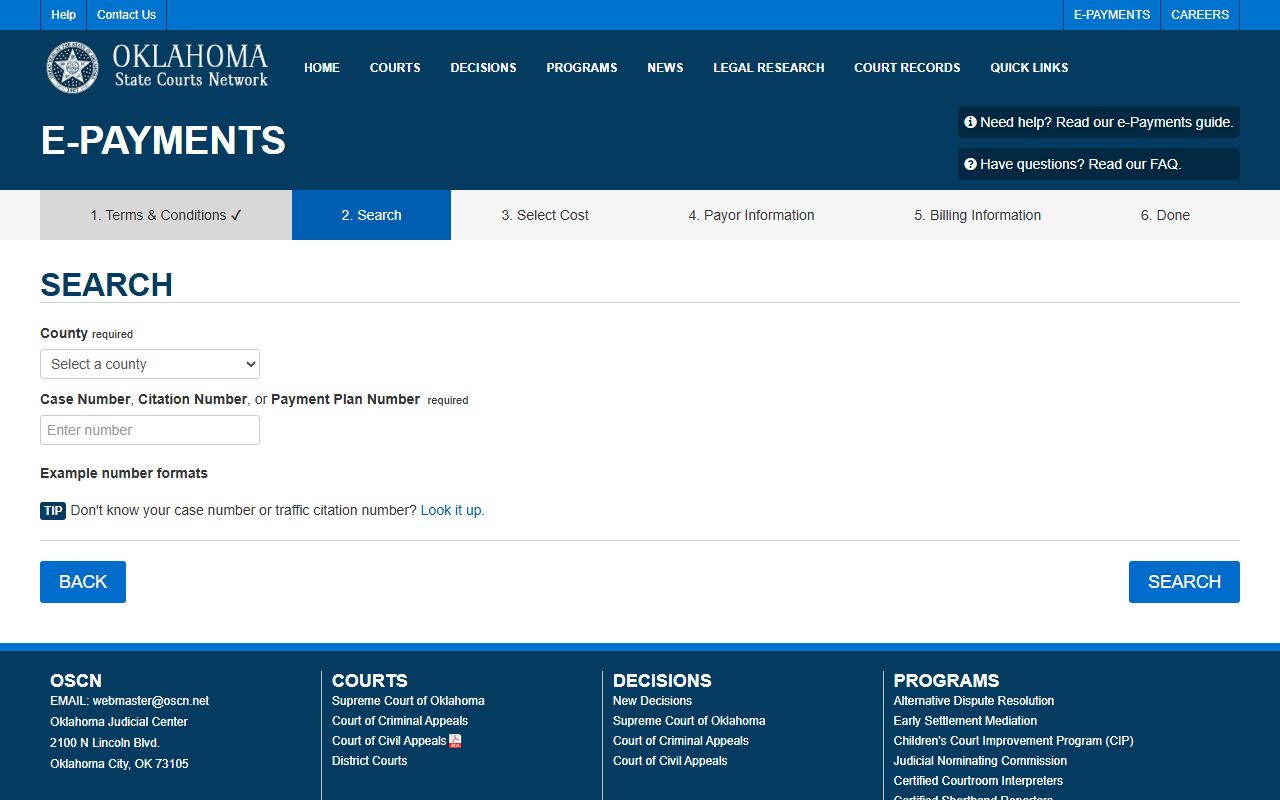
The screen confirms which numbers the system accepts and keeps payment apart from the docket view. Before you pay a traffic or fine balance, call the Court Clerk, since paying can affect how a case is recorded.
Note: A payment that clears in the e-payments portal may take time to post as a financial entry on the matching court docket.
Docket vs. Full Court Document
A docket and a document are not the same thing. The docket is the list of events. A document is the actual paper that was filed, such as a motion, an order, or a signed decree. On OSCN and ODCR, many entries are view-only metadata. Some link to scanned papers where the court has digitized them and the law allows public view.
| Docket | Court Document | |
|---|---|---|
| Format | Dated list of entries | The filed paper itself |
| Access | Often online and free | May be metadata only or need a clerk |
| Content | Dates, parties, events, results | Full text, exhibits, signatures |
| Use | Track how a case moved | Legal review and certified proof |
When you need the document and not just the entry, the Court Clerk is the source. Certified copies for legal use come from that office, not from a screen print of a docket.
Courts That Publish Jefferson County Dockets
Not every court that touches Jefferson County posts dockets the same way. District Court cases run on the state systems. City cases run on a separate city channel. Knowing which court holds a record saves a failed search.
- Jefferson County District Court posts felony, misdemeanor, civil, probate, family, divorce, protective order, traffic, and small-claims dockets through OSCN and ODCR.
- Oklahoma appellate courts publish their own dockets on OSCN, including the Supreme Court, the Court of Civil Appeals, and the Court of Criminal Appeals.
- Waurika Municipal Court keeps city ordinance and municipal traffic dockets on its own. These may not appear in a county District Court search, so call the city court to check.
Federal and out-of-state dockets sit elsewhere again. For free access to federal opinions and many state dockets, a research tool like CourtListener can fill gaps the county systems do not cover.
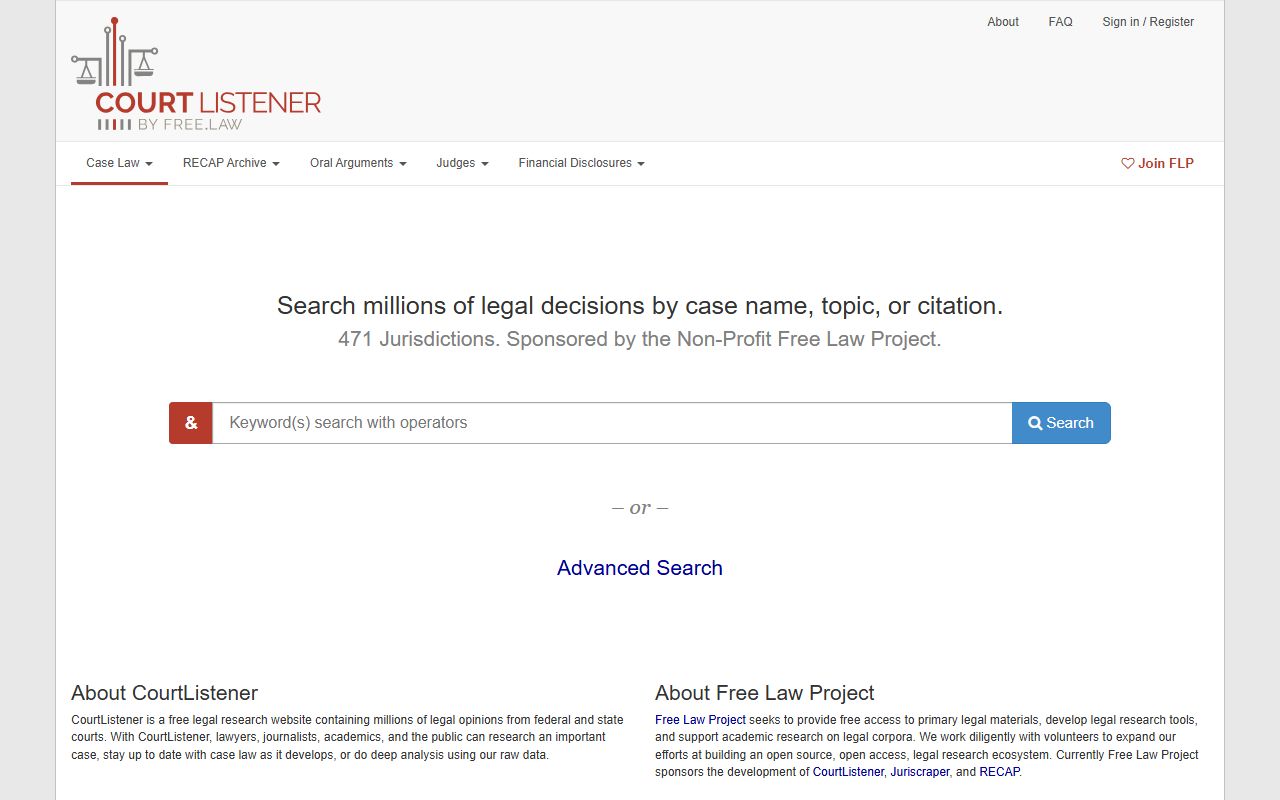
CourtListener is a free alternative for broader docket and opinion research, though Jefferson County District Court cases still live on OSCN and ODCR. Use it as a backup, not as the main county source.
Older Jefferson County Court Dockets
Online coverage does not reach every old case. Jefferson County is small and rural, and some dockets predate the digital systems or were never scanned. Sealed and expunged files also drop off public view by law or court order. A blank search result does not always mean no case exists.
The fallback for these records is the Court Clerk. The office maintains District Court files and can pull older or non-digitized dockets at the counter. Staff also issue certified copies of court documents. No Jefferson County docket-copy fee is published, so the right step is to call before you mail a request.
Reach the Court Clerk at 580-228-2961 to confirm what is on file and how to request it. The office sits in the county courthouse at 220 North Main Street in Waurika. Ask about hours, copy costs, and accepted payment when you call.